🚚 Free Worldwide Shipping on All Orders!Shop Now
Product image 1
Product image 2
Product image 3
Product image 4
Product image 5
Product image 6
Product image 7
Product image 8
Product image 9
Product image 10
Product image 11
Product image 12
Product image 13
Product image 14
Product image 15
HomeStore

Classic Game Hub 64GB with Dual Controllers - 20,000+ Titles

Classic Game Hub 64GB with Dual Controllers - 20,000+ Titles

Classic Game Hub 64GB with Dual Controllers - 20,000+ Titles

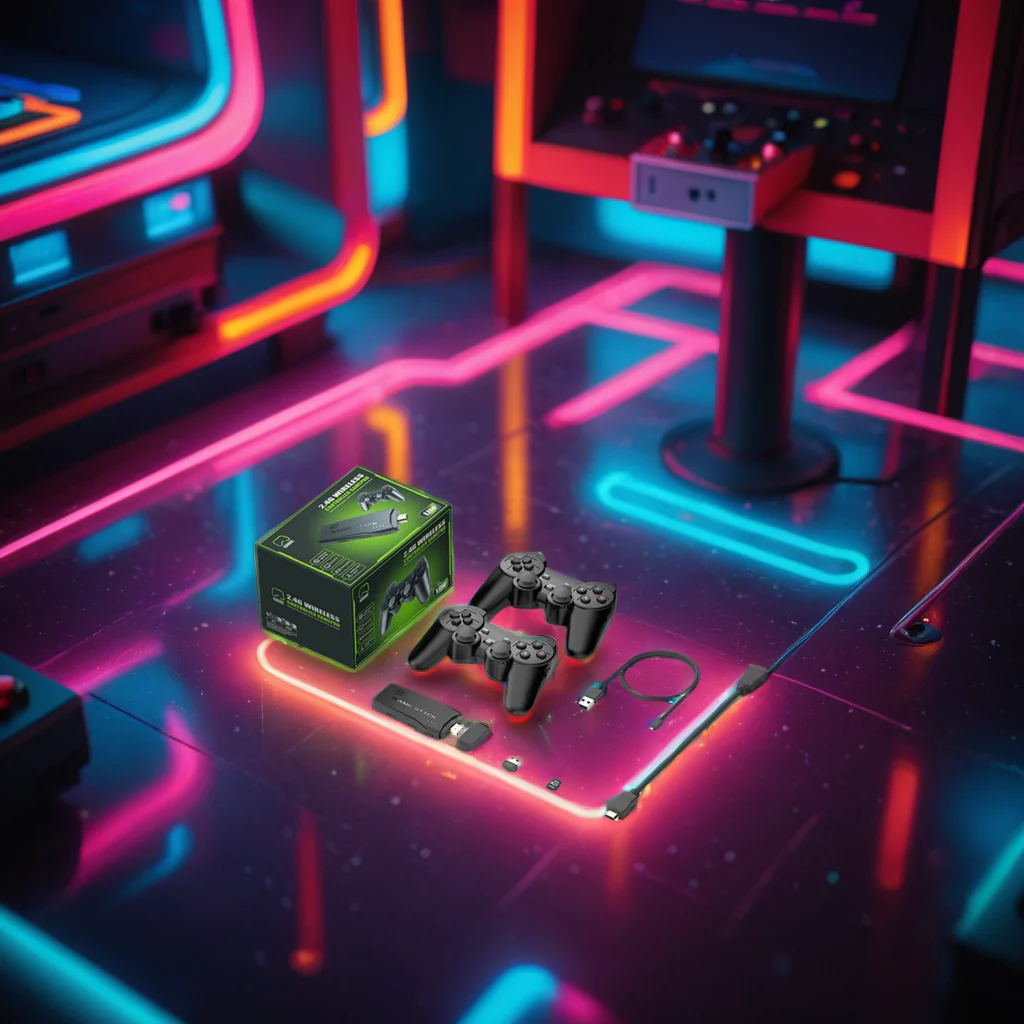
Immerse yourself in a treasure trove of nostalgic gaming with over 20,000 classic titles stored on a 64GB gaming console, complete with two wireless controllers. Travel back to the golden days of the 1980s and 1990s as you explore iconic games from various genres, all conveniently packaged for immediate enjoyment. This system revives the legendary titles that defined a generation, allowing you to relive cherished memories from your gaming past.

Highlighted Features

  • More than 20,000 timeless games spanning multiple genres
  • 64GB of internal storage for an extensive built-in library
  • 4K resolution for stunning visuals of your favorite classics
  • Two wireless controllers perfect for shared gaming experiences
  • Easy plug-and-play installation for instant gaming excitement
  • Rapid start-up process

Quick Setup Guide

Connect the console to your television or monitor. Plug the power cord into the device and connect the USB end to your TV/monitor or another power outlet. Insert the receiver for the controllers into the console, install batteries in the controllers, and turn them on using the switch. Adjust your TV to the correct HDMI input, and you're all set to dive into the nostalgia!

Game Collection

Enjoy every beloved title from the 80s and 90s, including classics like Donkey Kong, Pokémon, Mario, Zelda, Mortal Kombat, and many more. If there are any favorites missing, adding them is a breeze!

Expanding Your Game Library

  1. Remove the micro SD card from the device and insert it into the card reader.
  2. Connect the card reader to your PC or laptop.
  3. Navigate to a website to download your desired game/ROM, ensuring the file is unzipped and extracted.
  4. Drag the ROM file into the appropriate game folder (for instance, Donkey Kong.z64 should go into the n64 folder).
$15.30

Original: $50.99

-70%
Classic Game Hub 64GB with Dual Controllers - 20,000+ Titles

$50.99

$15.30

Product Information

Shipping & Returns

Description

Classic Game Hub 64GB with Dual Controllers - 20,000+ Titles

Immerse yourself in a treasure trove of nostalgic gaming with over 20,000 classic titles stored on a 64GB gaming console, complete with two wireless controllers. Travel back to the golden days of the 1980s and 1990s as you explore iconic games from various genres, all conveniently packaged for immediate enjoyment. This system revives the legendary titles that defined a generation, allowing you to relive cherished memories from your gaming past.

Highlighted Features

  • More than 20,000 timeless games spanning multiple genres
  • 64GB of internal storage for an extensive built-in library
  • 4K resolution for stunning visuals of your favorite classics
  • Two wireless controllers perfect for shared gaming experiences
  • Easy plug-and-play installation for instant gaming excitement
  • Rapid start-up process

Quick Setup Guide

Connect the console to your television or monitor. Plug the power cord into the device and connect the USB end to your TV/monitor or another power outlet. Insert the receiver for the controllers into the console, install batteries in the controllers, and turn them on using the switch. Adjust your TV to the correct HDMI input, and you're all set to dive into the nostalgia!

Game Collection

Enjoy every beloved title from the 80s and 90s, including classics like Donkey Kong, Pokémon, Mario, Zelda, Mortal Kombat, and many more. If there are any favorites missing, adding them is a breeze!

Expanding Your Game Library

  1. Remove the micro SD card from the device and insert it into the card reader.
  2. Connect the card reader to your PC or laptop.
  3. Navigate to a website to download your desired game/ROM, ensuring the file is unzipped and extracted.
  4. Drag the ROM file into the appropriate game folder (for instance, Donkey Kong.z64 should go into the n64 folder).

You may also like

-70%NEW
Thumbnail 1Thumbnail 2

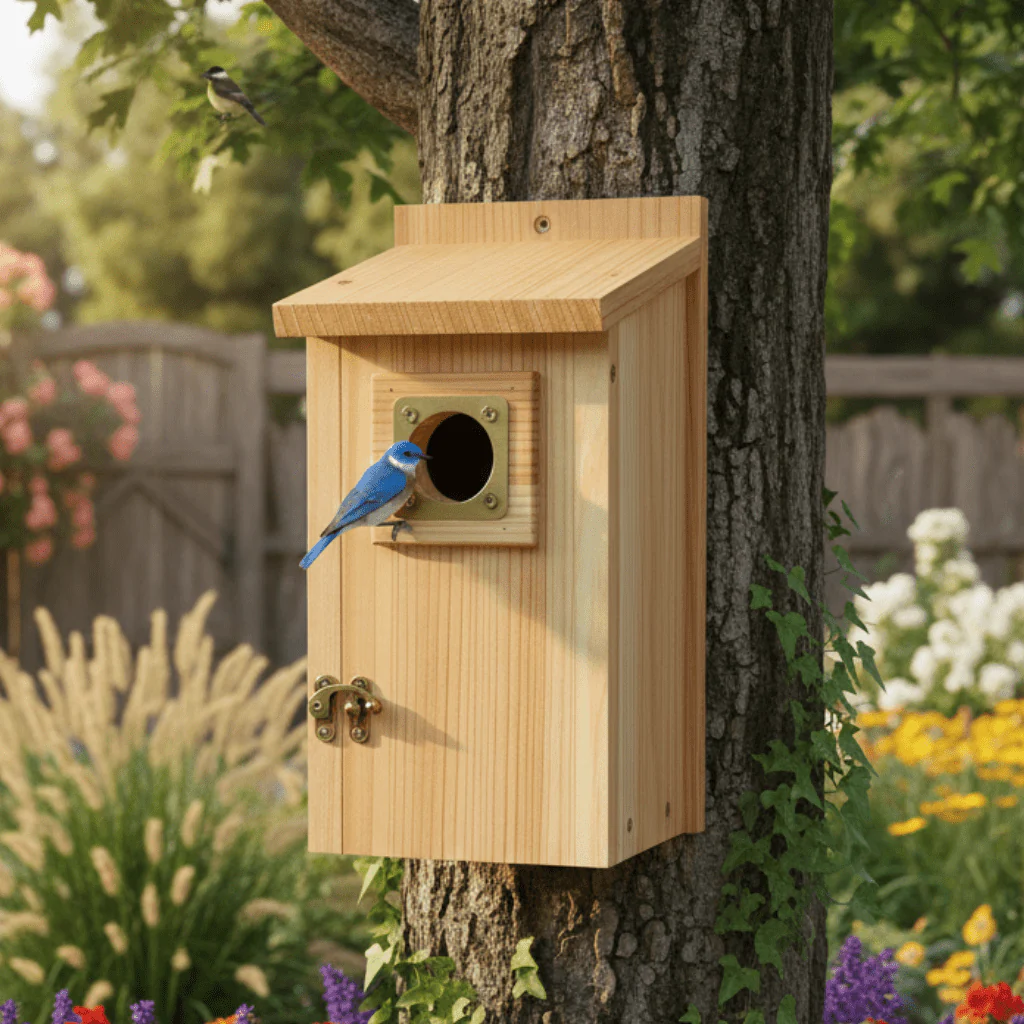
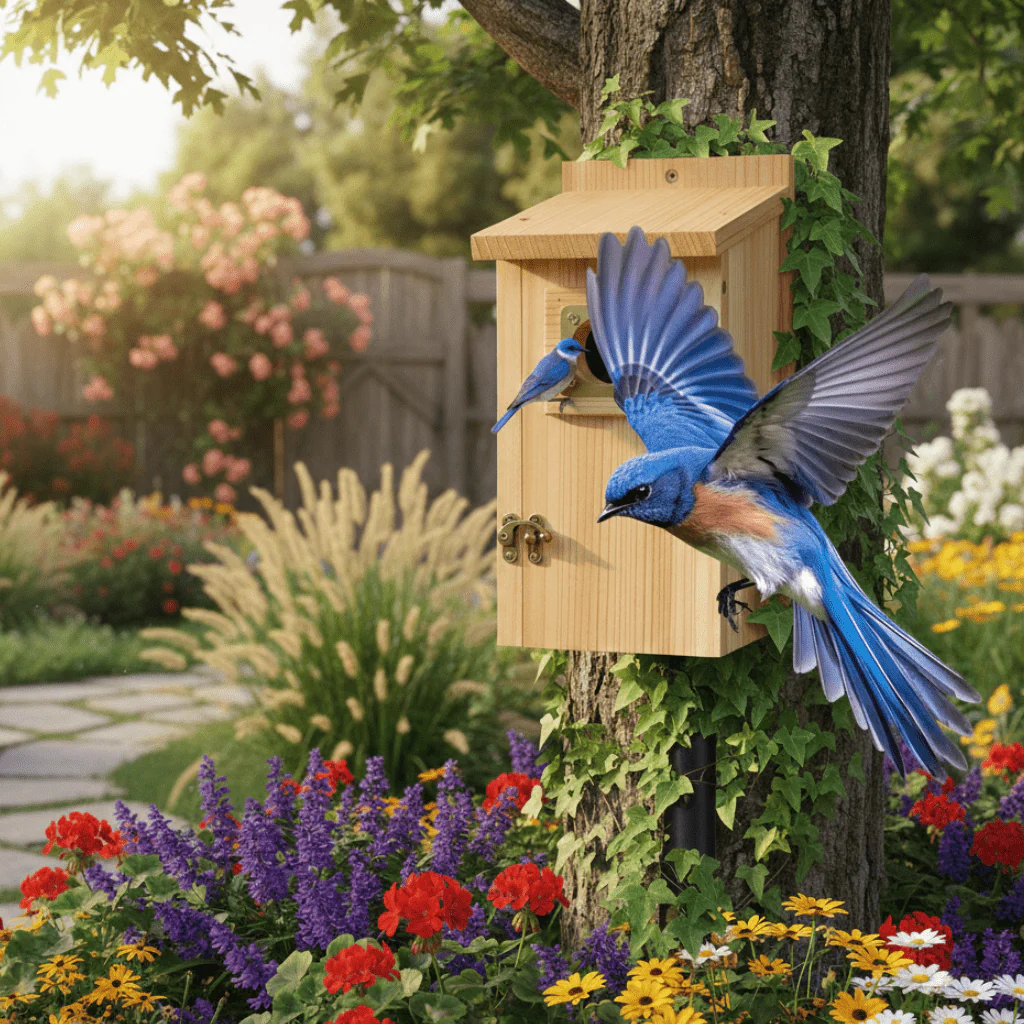
Cedar Haven Nesting Home for Small Garden Birds

$37.99

$11.40

-70%NEW
Thumbnail 1Thumbnail 2

Timeless Shirt Dress for Women | Effortless Style

$30.99

$9.30

-70%NEW
Thumbnail 1Thumbnail 2

Chic Utility Apron Dress for Women | Long Length

$25.99

$7.80

-70%NEW
Thumbnail 1Thumbnail 2

Sleek Women's Activewear Leggings for Every Occasion

$31.99

$9.60

-70%NEW
Thumbnail 1Thumbnail 2

TrailBlazer – Sturdy Remote-Controlled Off-Road Vehicle

$74.99

$22.50

-70%NEW
Thumbnail 1Thumbnail 2

SwiftWood Chopper – Effortless Firewood Splitting Tool

$41.99

$12.60

NEW
Thumbnail 1Thumbnail 2

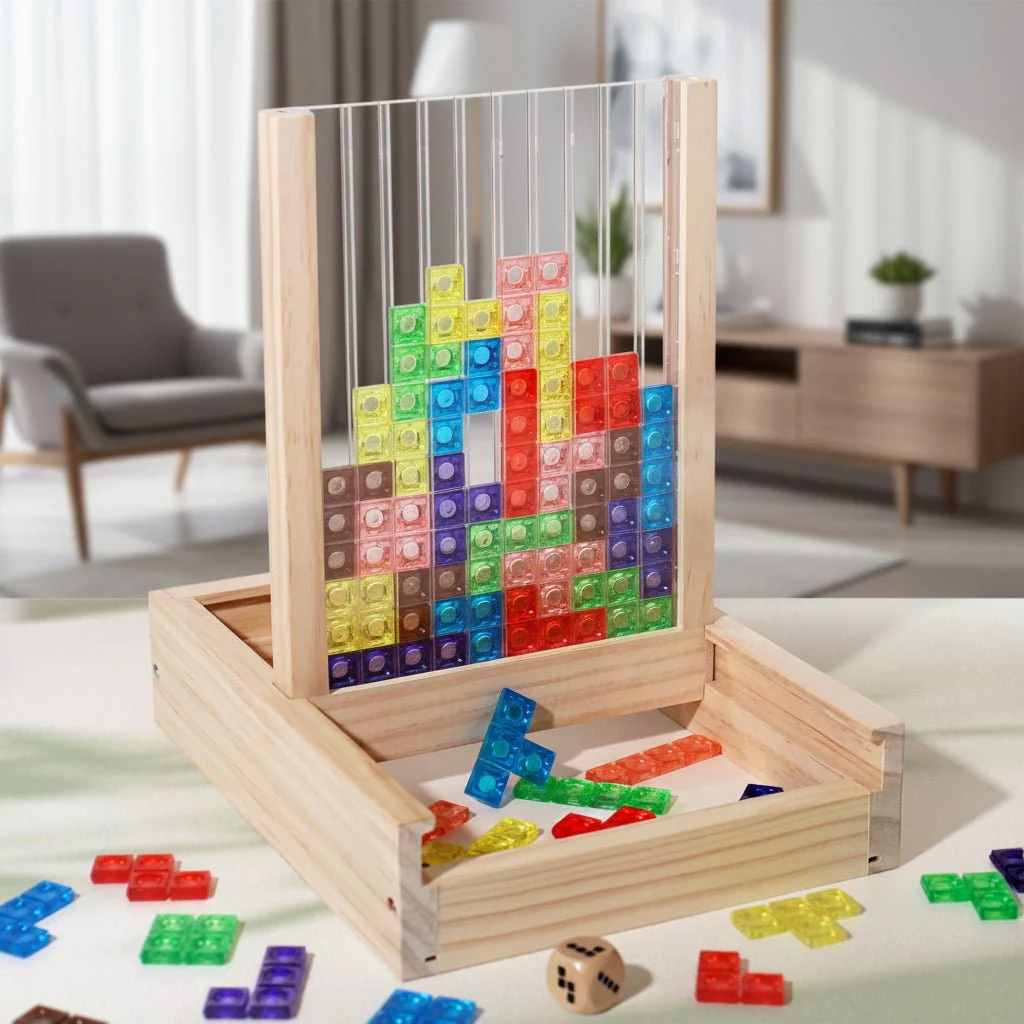
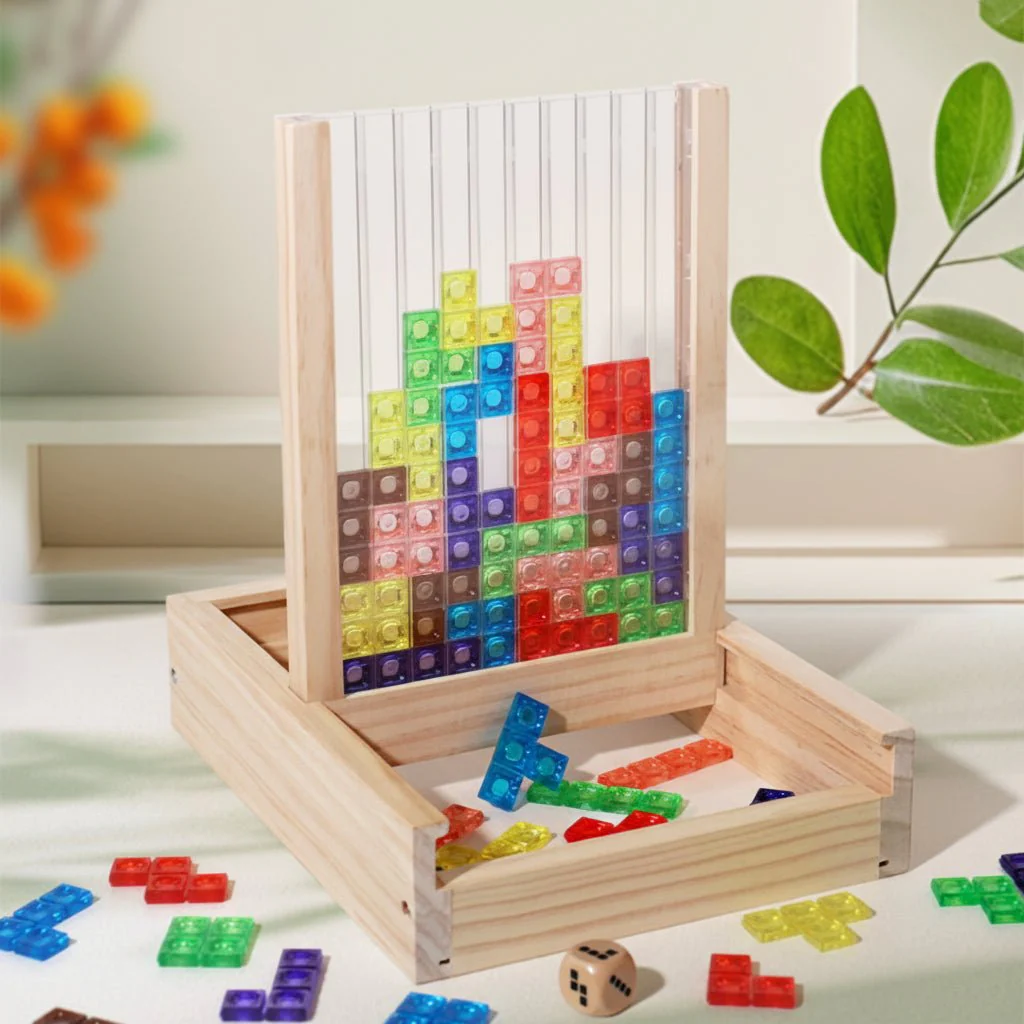
Eco-Friendly Tetris Puzzle for Family Bonding and Brain Boosting

$34.99

-70%NEW
Thumbnail 1Thumbnail 2

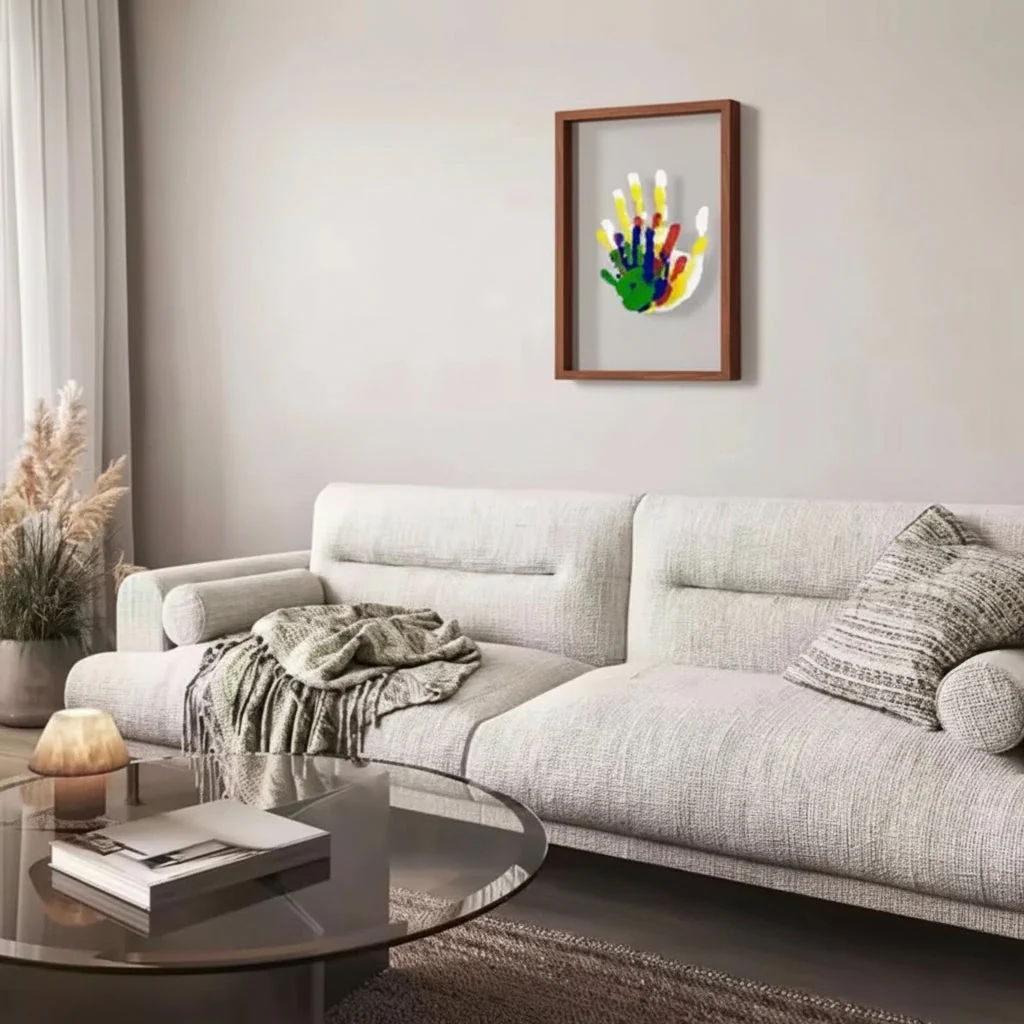
Cherished Moments Baby Keepsake Frame with Clay Imprint Kit

$29.99

$9.00

-70%NEW
Thumbnail 1Thumbnail 2

Eco-Friendly Wooden Puzzle for Enhanced Cognitive Skills

$46.99

$14.10

-70%NEW
Thumbnail 1Thumbnail 2

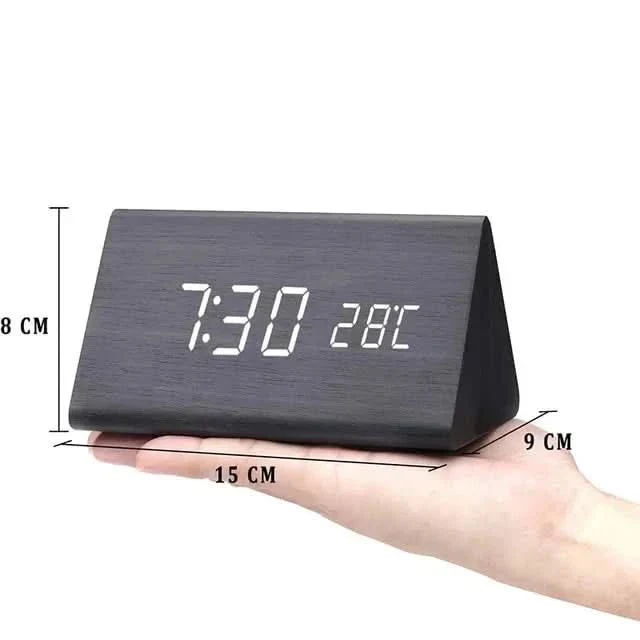
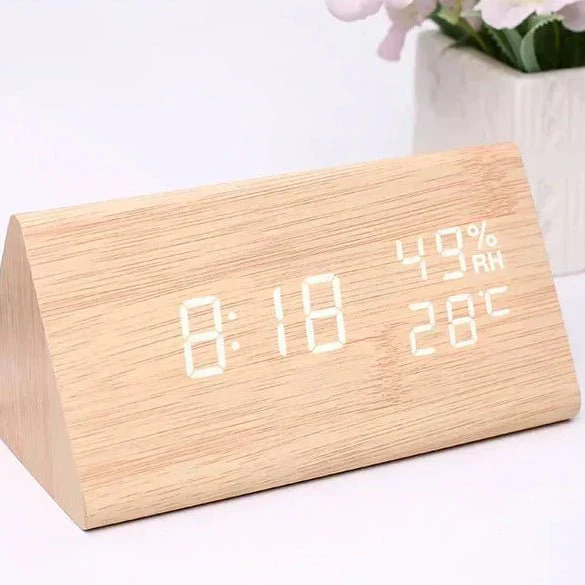
Elegant Wooden-Style LED Alarm Clock with Triple Alarm, Temp Display & Brightness Control

$41.99

$12.60

-70%NEW
Thumbnail 1Thumbnail 2

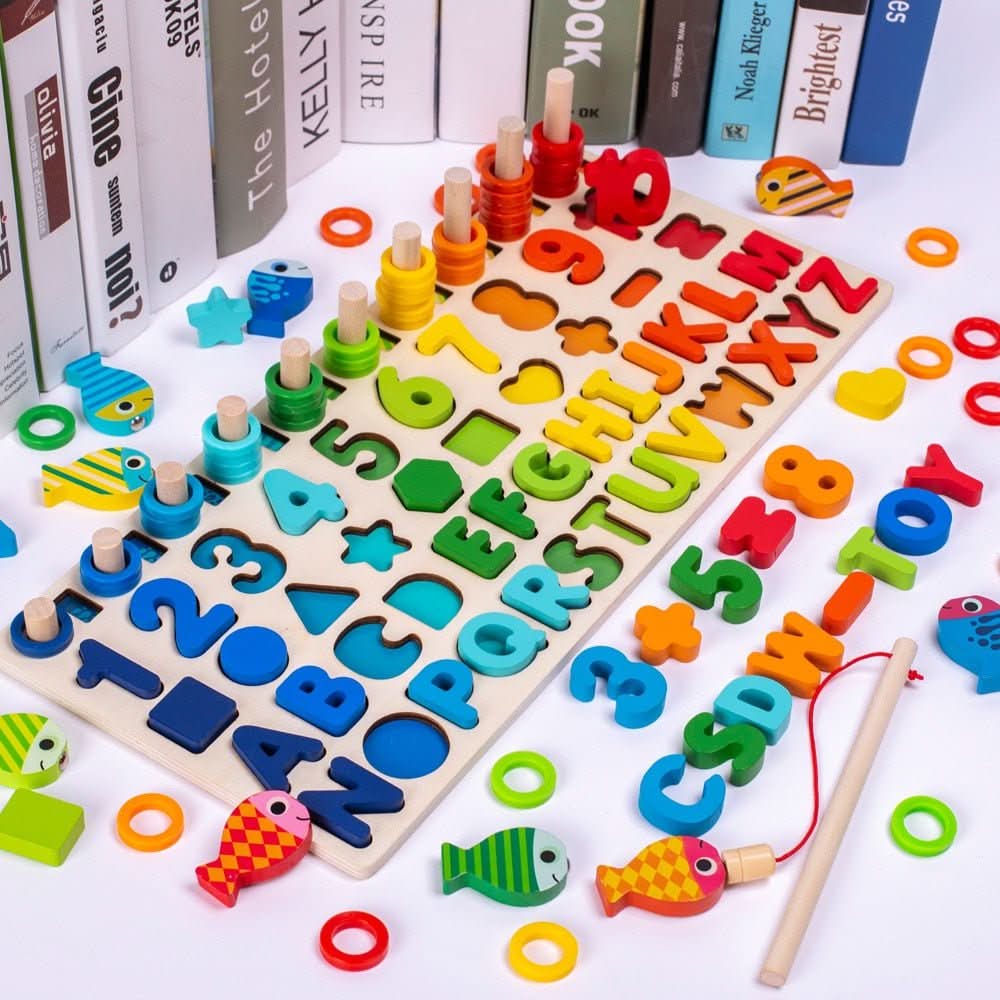
Interactive Montessori Learning Board – Fun Educational Toy for Kids

$34.99

$10.50

-70%NEW
Thumbnail 1Thumbnail 2

Interactive Rainbow Marble Slide for Kids 10 Months and Up

$52.99

$15.90